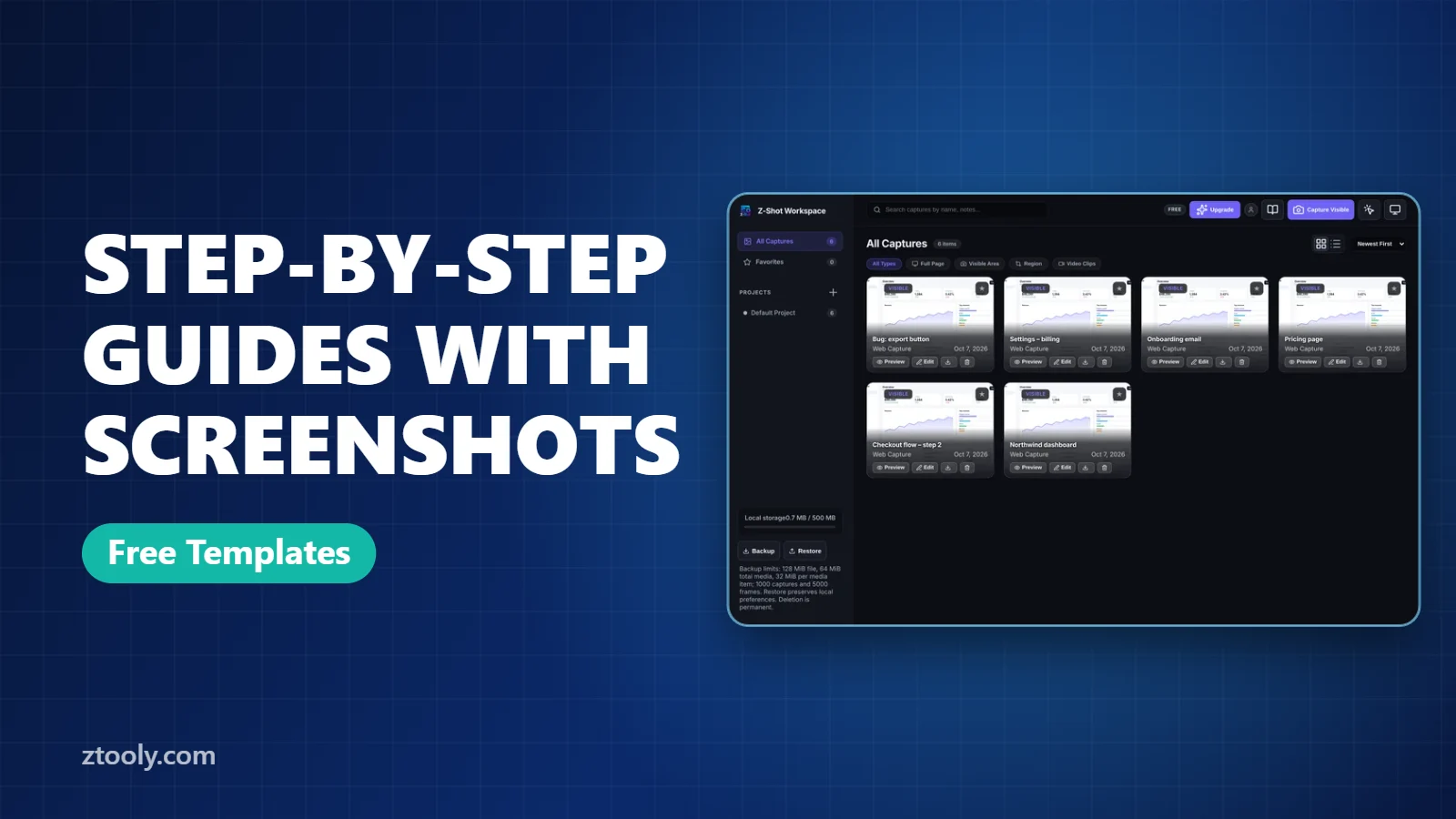
How to Create a Step-by-Step Guide With Screenshots (Free Templates)
Create clear step-by-step guides with screenshots: capture each step, add numbered markers, blur private data and export to Markdown or PDF. Includes copyable templates.
Practical writing on screenshots, screen recording and getting more done in the browser.
Create clear step-by-step guides with screenshots: capture each step, add numbered markers, blur private data and export to Markdown or PDF. Includes copyable templates.
Blur faces in photos and screenshots for free on iPhone, Android, Windows and Mac. Signal's automatic face blur, Photopea and GIMP steps, videos, and how much blur is enough.
Take a full-page screenshot in Firefox with Ctrl+Shift+S, capture a single section with one click, or use the :screenshot console command for tricky pages. Plus fixes.
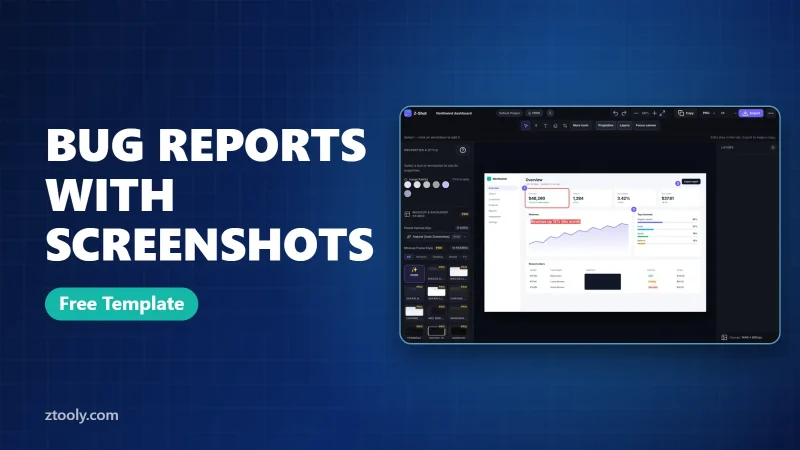
Write bug reports developers can fix fast: a clear title, steps to reproduce, environment details and one annotated, redacted screenshot. Free copy-and-paste template.
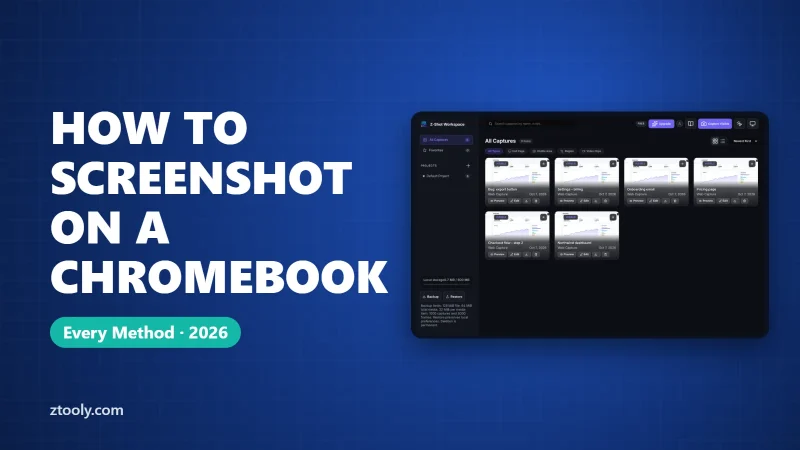
Every way to take a screenshot on a Chromebook: full screen, partial and window shortcuts, the capture toolbar, tablet mode, stylus, where files save, and full-page captures.
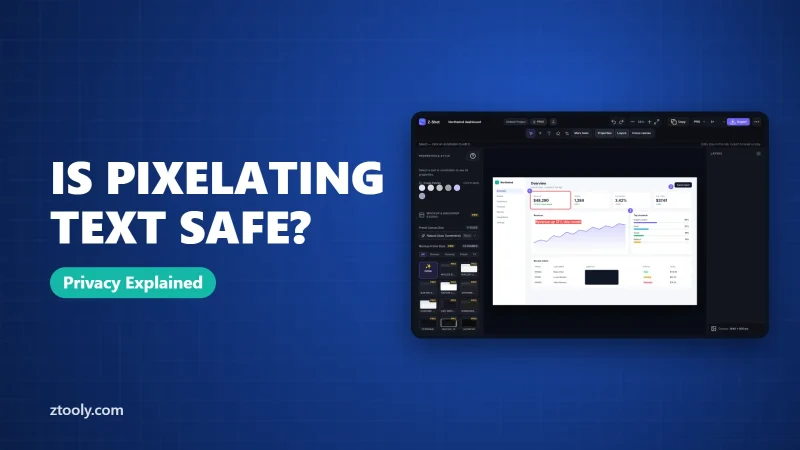
Pixelated and blurred text can often be recovered. Learn how it works, which text is most at risk, and the safe way to hide passwords, emails and numbers in screenshots.
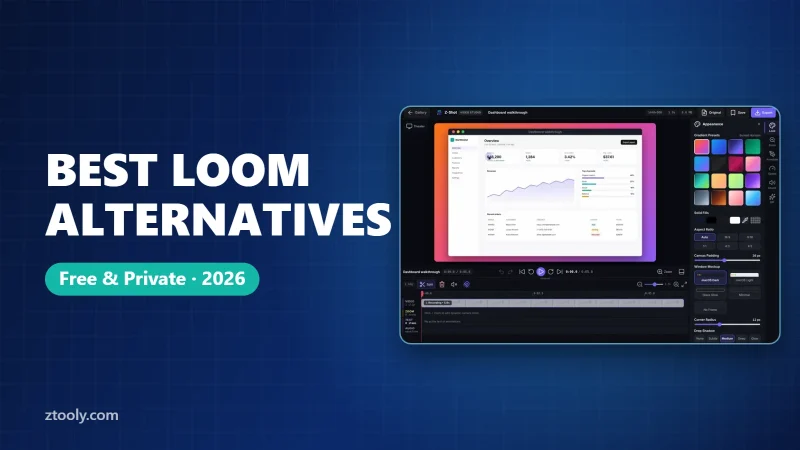
Looking for a Loom alternative? Compare Z-Shot, Awesome Screenshot, Screencastify, OBS Studio and built-in recorders on privacy, editing, webcam and free plans.
Take a full-page screenshot in Microsoft Edge with Ctrl+Shift+S. Step by step, where files save, the DevTools method, and fixes for blank, missing or partial captures.
Every Mac screenshot shortcut explained: Cmd+Shift+3, 4 and 5, window captures without shadows, copying to the clipboard, changing the save folder and switching to JPG.