Screenshot Best Practices for Software Documentation
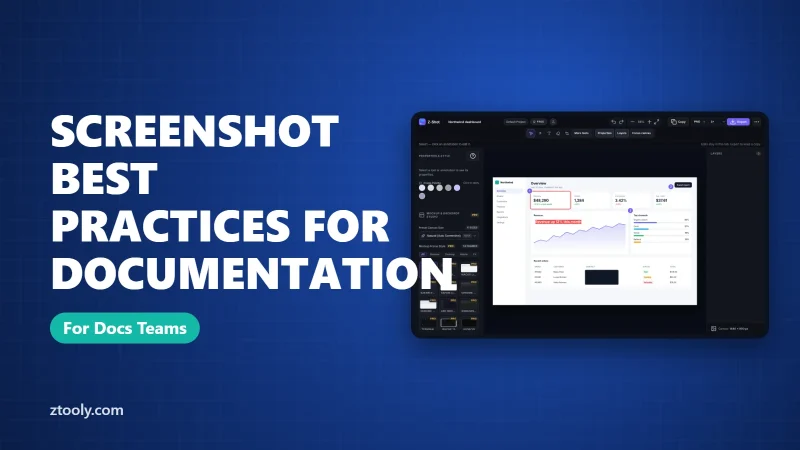
Nine practices for documentation screenshots that stay clear and current: when to use them, cropping, consistent size and theme, demo data, annotation, alt text, file size and updates.
Guides to taking better screenshots in Chrome: full-page capture, scrolling pages, single elements, annotation, mockups and clean exports.
Nine practices for documentation screenshots that stay clear and current: when to use them, cropping, consistent size and theme, demo data, annotation, alt text, file size and updates.
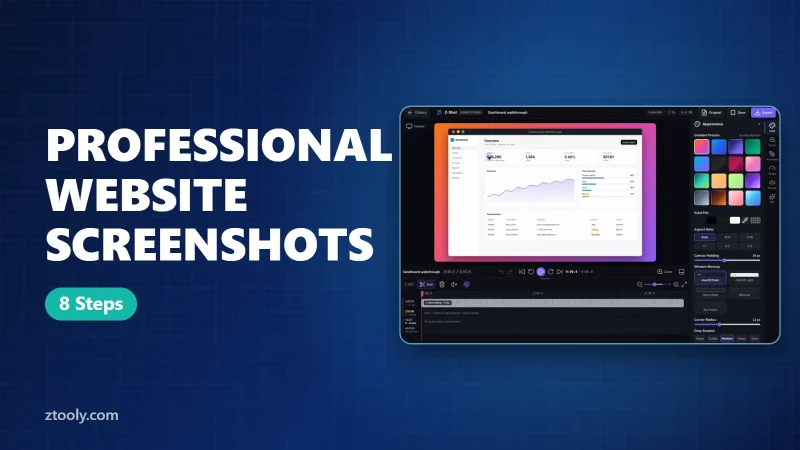
Turn plain website screenshots into polished product images: clean the page, capture at 2×, crop to one idea, add a browser frame and backdrop, and export at the right size.
Mac has no built-in scrolling screenshot. Capture long web pages with Safari, Firefox or Chrome, and long app windows with Shottr, CleanShot X or Snagit. Plus tips and fixes.
Current App Store and Google Play screenshot sizes and rules, how to capture clean screenshots from simulators and emulators, and design patterns that get more installs.
Take a screenshot on any Lenovo laptop: where PrtSc is on ThinkPad, IdeaPad, Yoga and Legion, every shortcut, FnLock with Fn+Esc, Lenovo Vantage settings, and fixes.
Take a screenshot on a Dell laptop: where PrtScr is on XPS, Inspiron, Latitude and Vostro, every shortcut, Dell Fn Lock (Fn+Esc), where files save, and fixes.
Capture a long conversation as one image on Android, iPhone and computer: scrolling screenshots, stitching apps, element capture in the browser, and chat exports for full records.
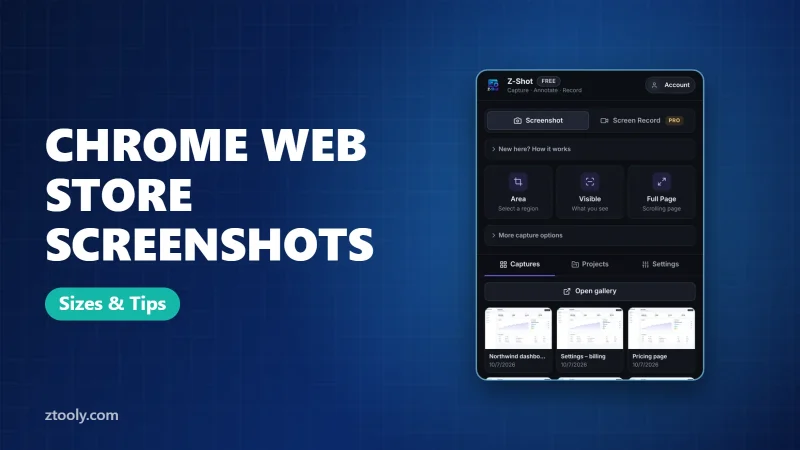
Create Chrome Web Store screenshots that convert: correct sizes (1280×800), what to show in each of your five images, captions, frames and common mistakes to avoid.
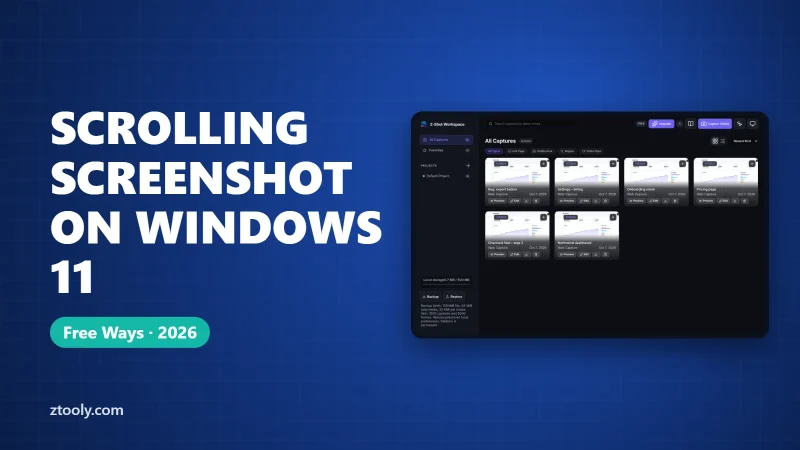
Windows has no built-in scrolling screenshot. Here's how to capture long web pages, app windows, chats and documents with browser tools, ShareX, PicPick, Snagit or PDF export.