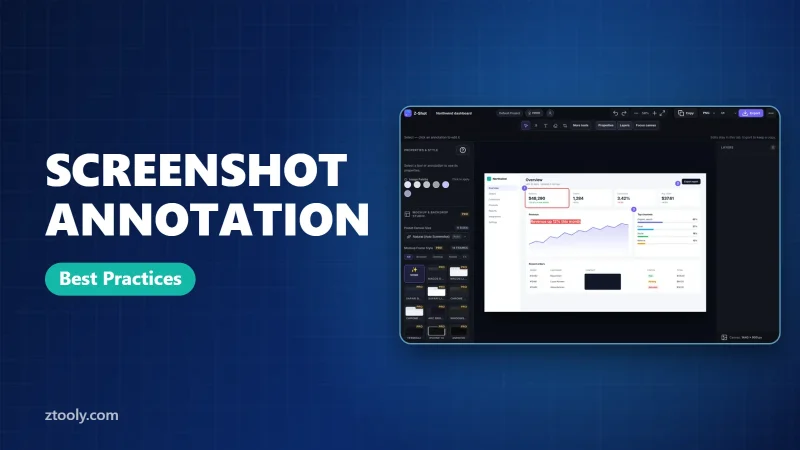
Screenshot Annotation Best Practices for Developers, Designers and Teams
Make annotated screenshots people understand in two seconds: crop first, one marker per idea, one color, short labels and proper redaction. Tips by role plus a checklist.
Guides to taking better screenshots in Chrome: full-page capture, scrolling pages, single elements, annotation, mockups and clean exports.
Make annotated screenshots people understand in two seconds: crop first, one marker per idea, one color, short labels and proper redaction. Tips by role plus a checklist.
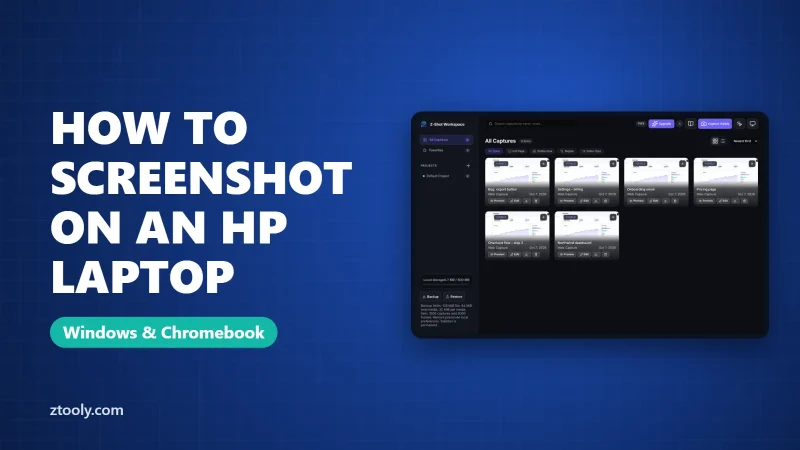
Take a screenshot on any HP laptop: where the prt sc key is, when you need Fn, every Windows shortcut, HP's Action Keys Mode setting, HP Chromebooks and where files are saved.
Full-page screenshot blank, cut off or showing repeated headers? Find your problem in the table and fix lazy-loaded images, sticky elements, inner scroll panels and very long pages.
Can't find your screenshot? Where screenshots are saved on Windows 11, Mac, Chromebook, iPhone, Android, browsers and games, how to find lost ones, and how to change the folder.
Copy text from any screenshot or image with OCR: Windows Snipping Tool, Mac Live Text, Google Lens or on-device OCR in Chrome. Which ones upload your image, and which don't.
Save any web page as a PDF in Chrome on Windows, Mac, Android and iPhone. The settings that keep backgrounds and links, fix cut-off pages, and when to use a screenshot instead.
Print Screen not working on Windows 11? Check the Fn key, the PrtScn setting, apps like OneDrive that take over the key, repair Snipping Tool, and test your keyboard.
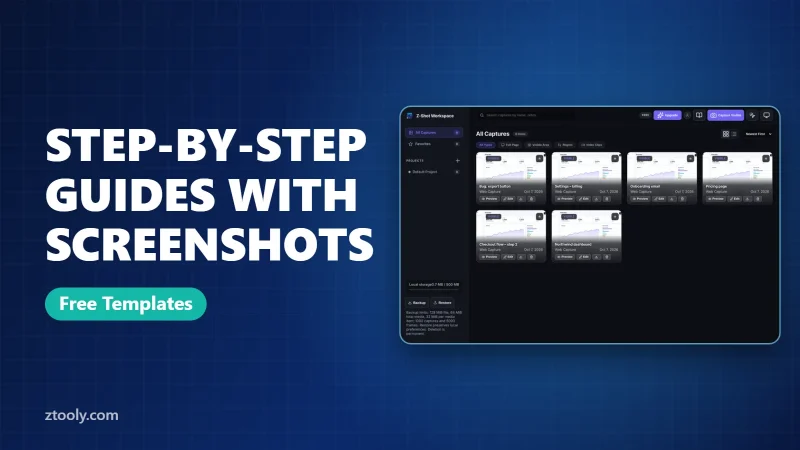
Create clear step-by-step guides with screenshots: capture each step, add numbered markers, blur private data and export to Markdown or PDF. Includes copyable templates.
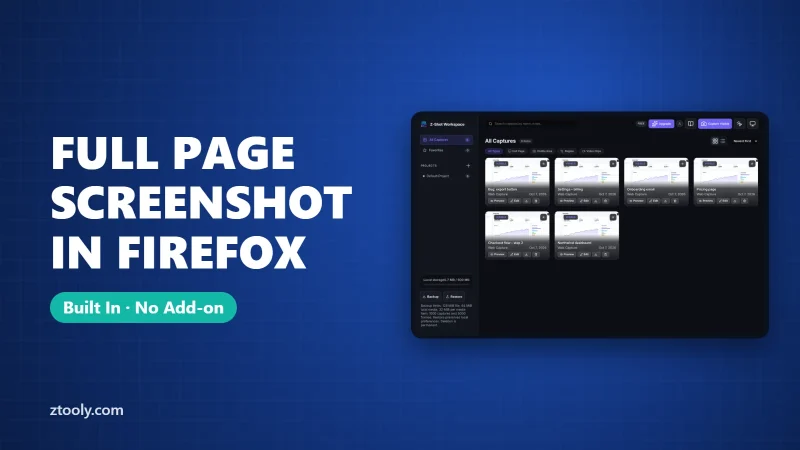
Take a full-page screenshot in Firefox with Ctrl+Shift+S, capture a single section with one click, or use the :screenshot console command for tricky pages. Plus fixes.