Comparisons
GoFullPage Not Working? 7 Fixes (and What to Use Instead)
GoFullPage not working in Chrome? Re-enable it after the 2026 removal, fix blank or cut-off captures, change the shortcut, or use a built-in alternative.

Practical writing on screenshots, screen recording and getting more done in the browser.
GoFullPage not working in Chrome? Re-enable it after the 2026 removal, fix blank or cut-off captures, change the shortcut, or use a built-in alternative.
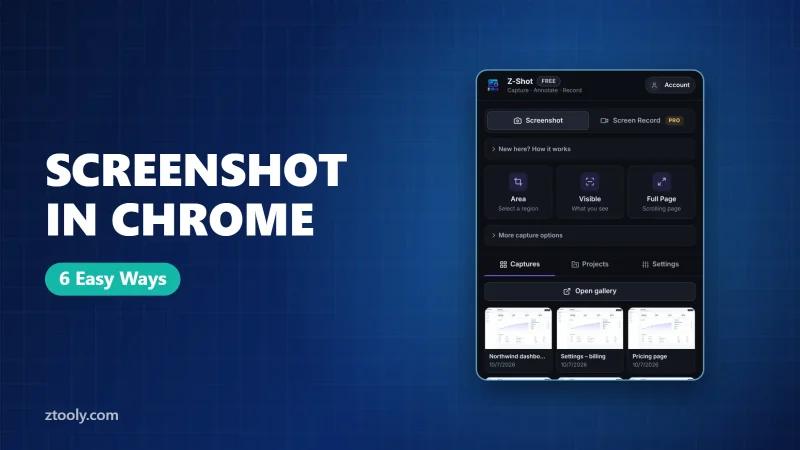
Every way to take a screenshot in Chrome on Windows, Mac and Chromebook: keyboard shortcuts, hidden DevTools commands, full-page and element capture, and extensions.
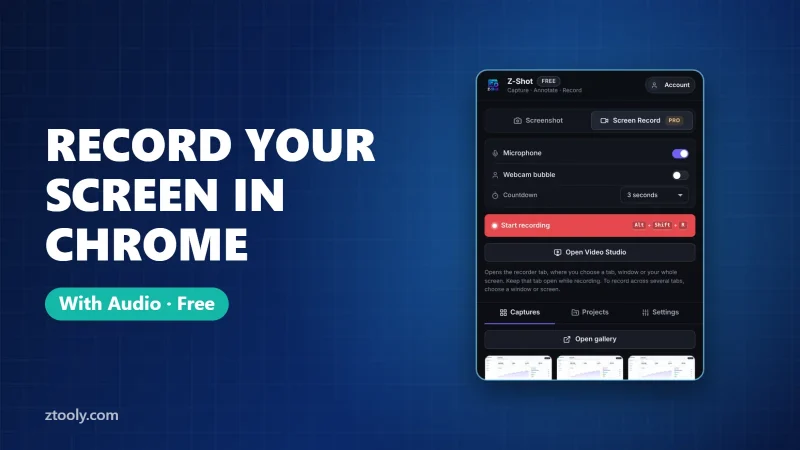
Record your screen in Chrome with microphone audio for free: the fastest extension method plus built-in options for Windows, Mac and Chromebook, with tips for clear sound.
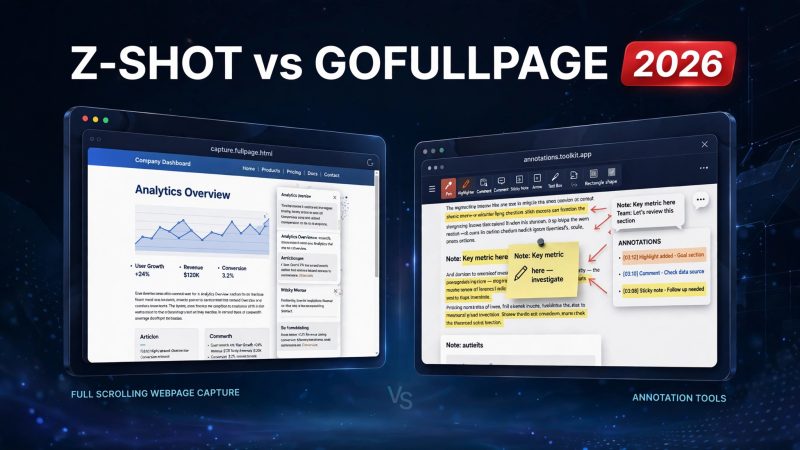
Looking for a GoFullPage alternative? We compare Z-Shot vs GoFullPage on full-page capture, annotation, blur and redaction, price, and privacy — so you can pick the right screenshot extension.
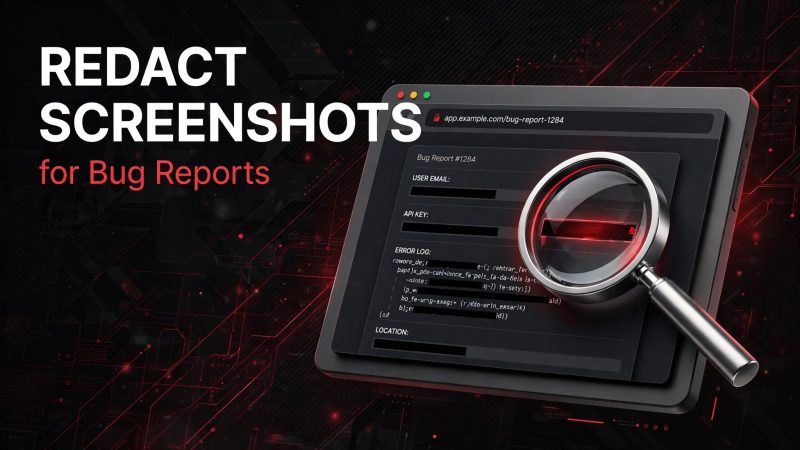
Redact screenshots for bug reports the right way: opaque shapes, flattened exports, auto-redact first pass, and keeping the bug itself visible. Checklist + FAQ included.
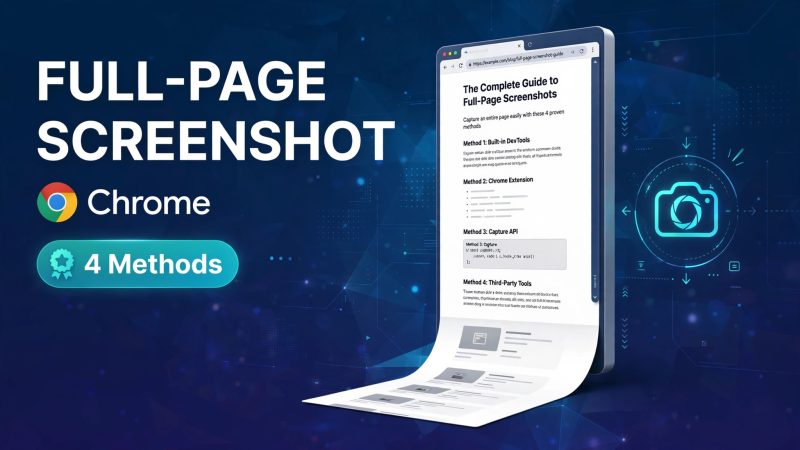
Learn 4 ways to take a full-page screenshot in Chrome — Z-Shot one-click capture, DevTools, GoFullPage, and manual stitching — plus tips for clean, readable results.
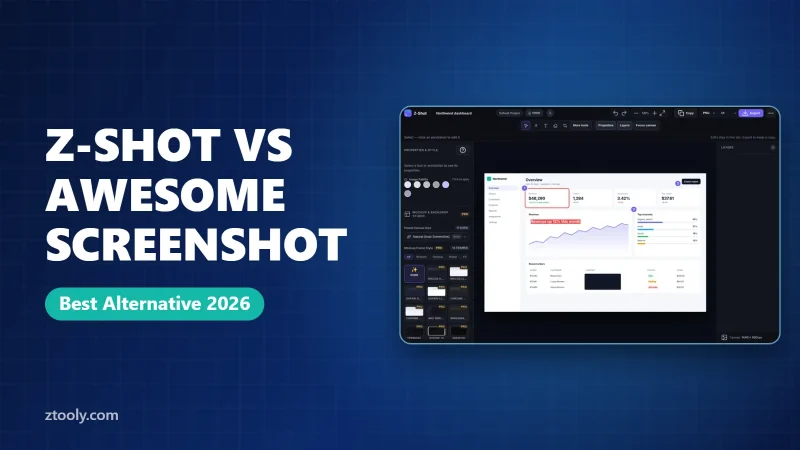
Z-Shot vs Awesome Screenshot compared on capture, annotation, redaction, privacy model, and workflow. Find out which screenshot extension fits your needs.
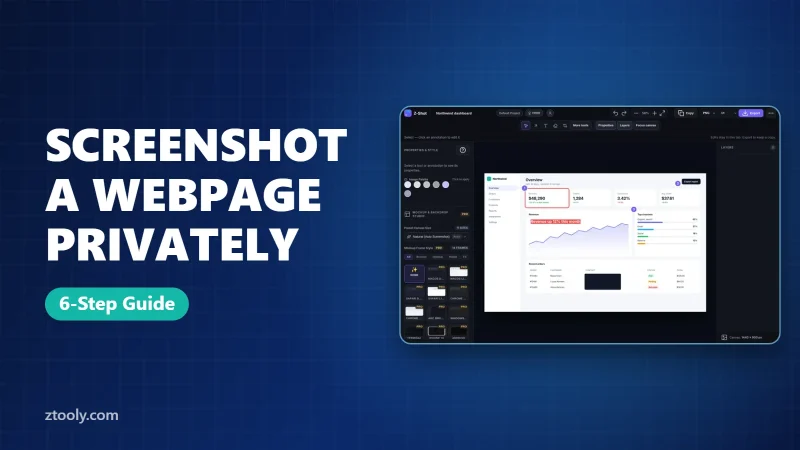
Learn how to take private webpage screenshots in 2026: narrow capture modes, browser cleanup, local redaction, verified exports, and safe sharing — a complete privacy-first workflow.
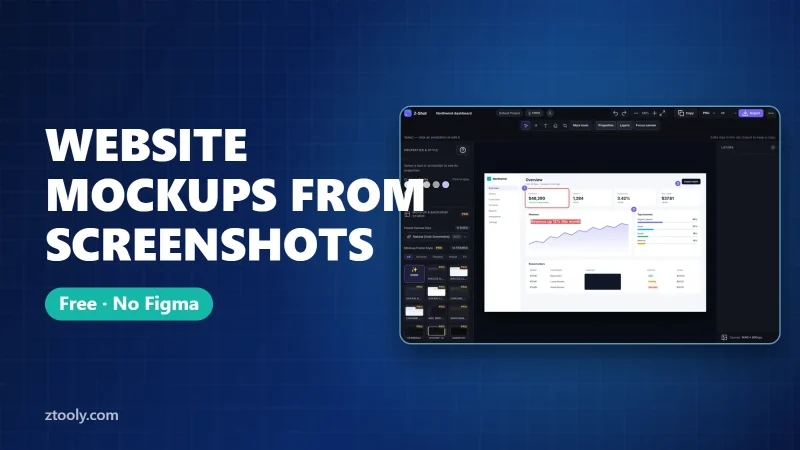
Turn any website screenshot into a clean browser mockup for free, without Figma. A fast step-by-step method, a tool comparison and five tips for better mockups.