Screenshots
How to Screenshot on a Mac: Every Shortcut and Hidden Trick
Every Mac screenshot shortcut explained: Cmd+Shift+3, 4 and 5, window captures without shadows, copying to the clipboard, changing the save folder and switching to JPG.

Practical writing on screenshots, screen recording and getting more done in the browser.
Every Mac screenshot shortcut explained: Cmd+Shift+3, 4 and 5, window captures without shadows, copying to the clipboard, changing the save folder and switching to JPG.
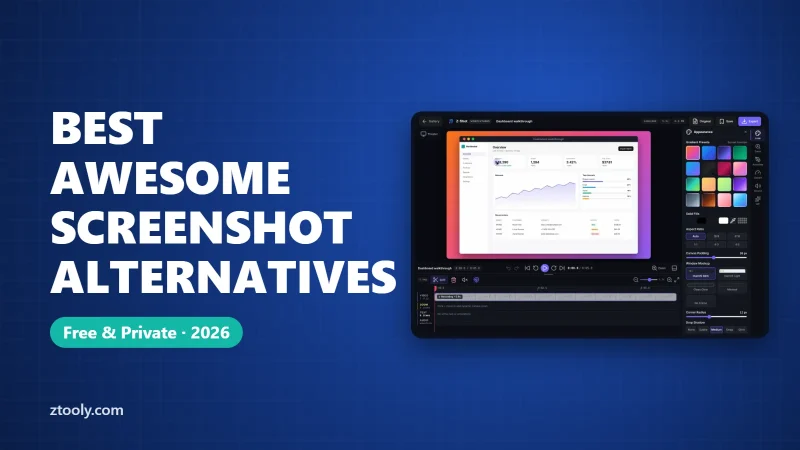
Looking for an Awesome Screenshot alternative? Compare Z-Shot, Snagit, ShareX, Loom, Nimbus, Lightshot and built-in browser tools by features, privacy and price.
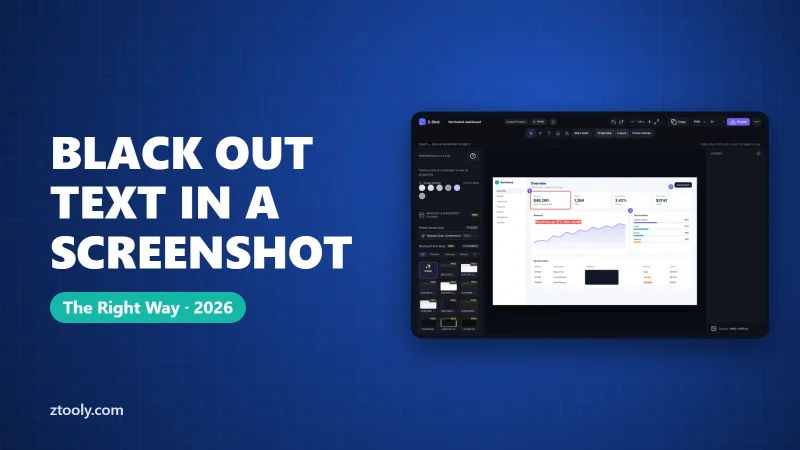
Black out text in a screenshot so it can never be recovered. Step-by-step for Windows, Mac, iPhone, Android and Chrome, the mistakes that leak data, and how to check your work.
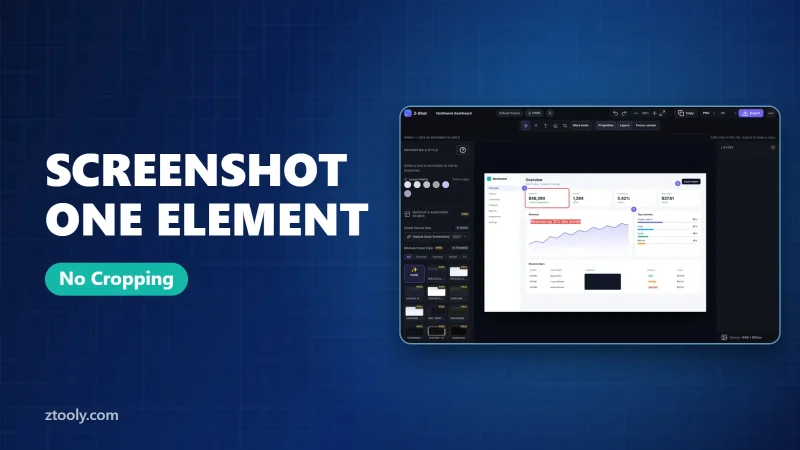
Capture just one part of a web page, like a card, chart or button, with pixel-perfect edges. Use Chrome DevTools' node screenshot or one-click element capture.
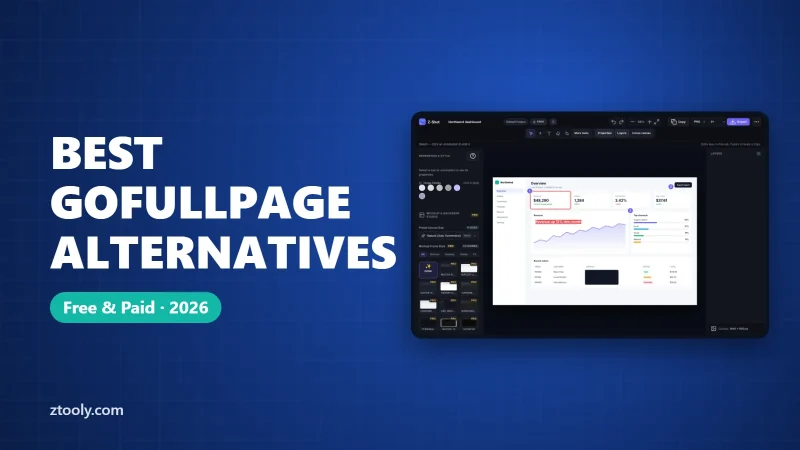
The best GoFullPage alternatives for full-page screenshots: built-in Chrome and Edge tools, FireShot, Awesome Screenshot, Nimbus, Z-Shot and ShareX, with honest pros and cons.
Every way to take a screenshot on Windows 11: Win+Shift+S, PrtScn, Win+PrtScn, Alt+PrtScn, Snipping Tool and Game Bar. What each captures and where the file is saved.
Hide your email, name and other personal details in a screenshot on Windows, Mac, iPhone, Android or Chrome. Where details hide, the safe way to cover them, and a pre-share checklist.
Capture a whole webpage with tools already built into Chrome, Edge, Firefox, Safari, iPhone and Android. Exact steps for each, plus fixes for blank or cut-off pages.
Turn any screen recording into a small, sharp GIF: record and export in Chrome, or convert an MP4 with ScreenToGif, Gifski or ffmpeg. Plus the settings that keep file size down.