Quick answer: To turn a screen recording into a GIF, record only the few seconds you need, trim the clip, then export it as a GIF at a small size (around 600–800 px wide). In Chrome, Z-Shot records and exports GIFs from its Video Studio without uploading anything. You can also convert an existing MP4 with ScreenToGif, Gifski or ffmpeg.
A short GIF is often the clearest way to show a bug, a UI interaction or a quick how-to. It plays automatically in Slack, GitHub, Jira, email and docs, and nobody has to press play. The catch is file size: a careless GIF can weigh 30 MB. This guide shows how to make GIFs that look sharp and stay small.
Method 1: Record and export a GIF in Chrome (fastest)
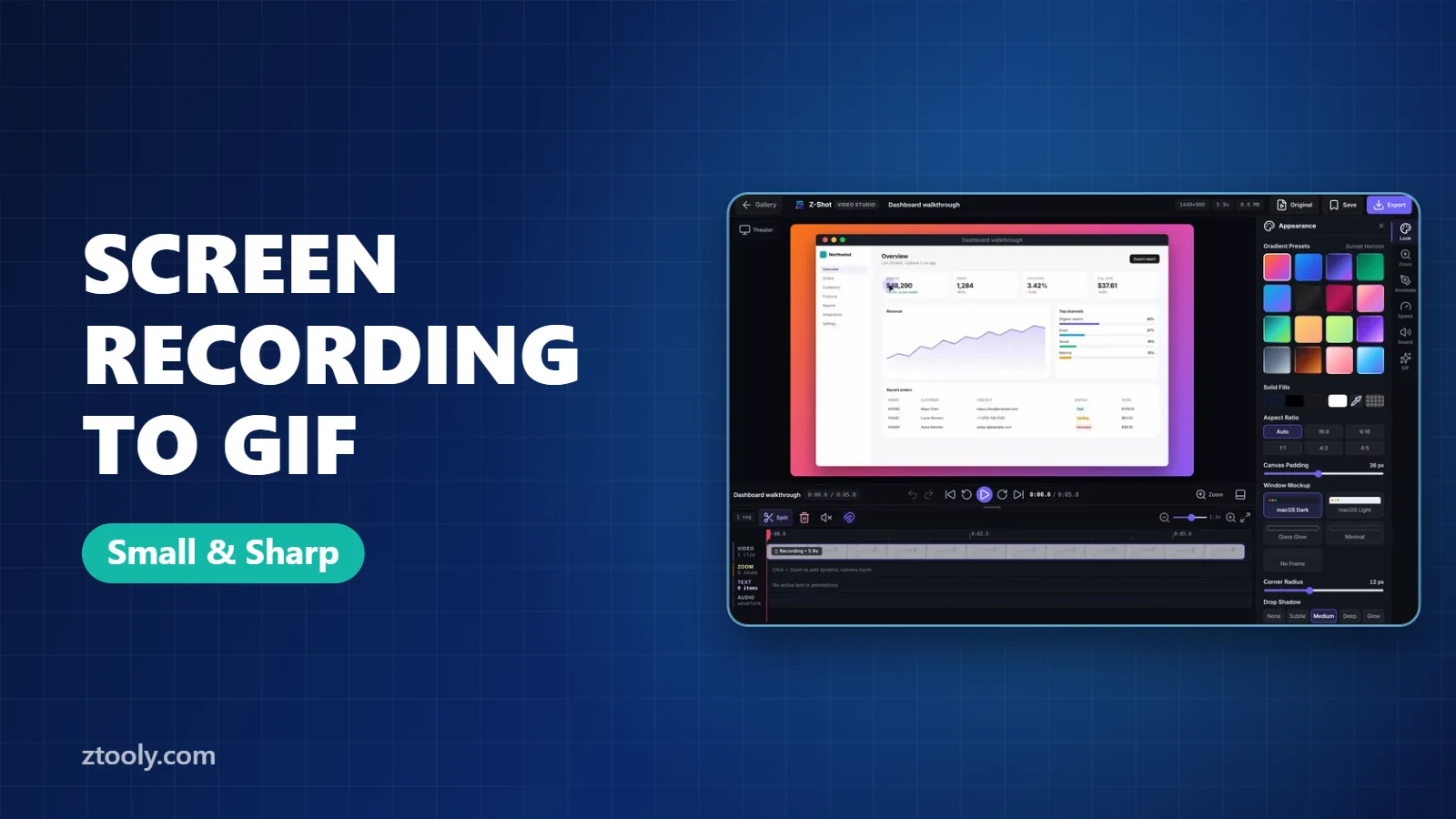
- Start recording with Z-Shot by pressing Alt+Shift+R. Choose a single tab for the cleanest frame.
- Do the action once, slowly and without hesitation. Aim for 3 to 10 seconds.
- Stop. The clip opens in Video Studio.
- Trim the start and end on the timeline, and split out any dead time in the middle.
- Add a zoom on the part that matters, so small buttons are visible at GIF size.
- Export as GIF.
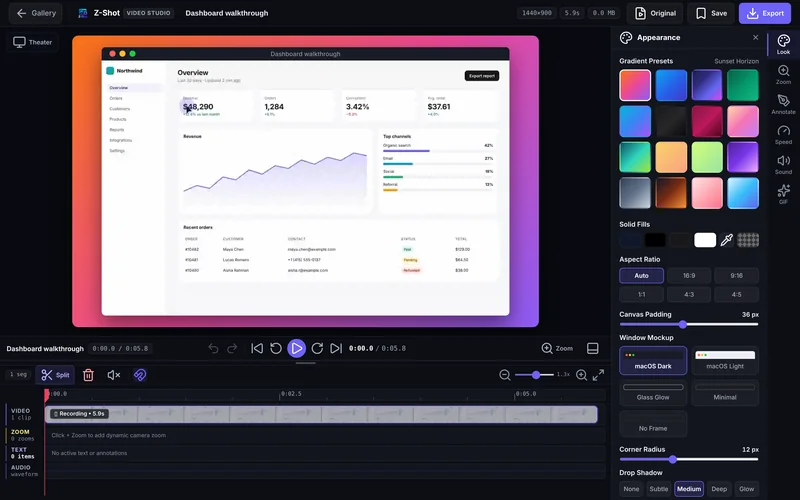
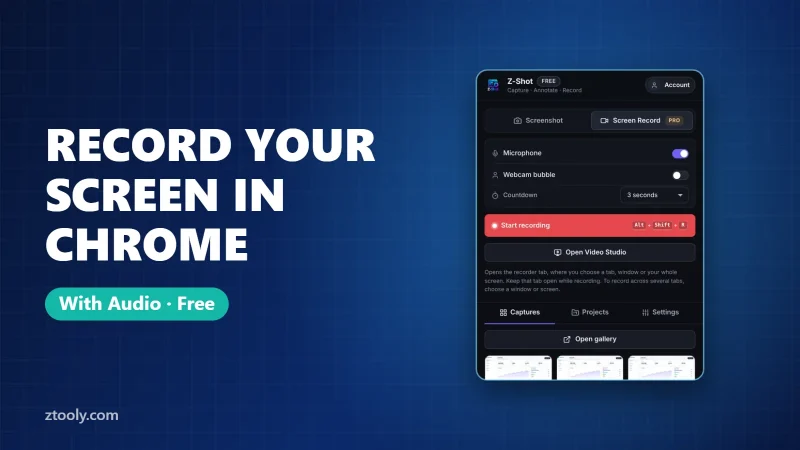
Everything happens in your browser and nothing is uploaded, which is useful when the recording shows an internal tool or customer data. If you’re new to recording, start with how to record your screen in Chrome.
Method 2: Convert an MP4 you already have
ScreenToGif (Windows, free)
ScreenToGif is a free, open-source app that records the screen or opens an existing video, lets you delete frames, and exports a GIF with good compression settings.
Gifski (Mac, free)
Drag a video into Gifski, choose the width, frame rate and quality, and export. It produces some of the best-looking GIFs for their size.
ffmpeg (any OS, command line)
If you’re comfortable with a terminal, this two-step command makes a clean GIF with a custom palette:
ffmpeg -i input.mp4 -vf "fps=12,scale=720:-1:flags=lanczos,palettegen" palette.png
ffmpeg -i input.mp4 -i palette.png -lavfi "fps=12,scale=720:-1:flags=lanczos[x];[x][1:v]paletteuse" output.gif
Online converters
Sites like ezgif work well for public content, but you have to upload your video. Don’t use them for anything private.
How to keep GIF file size small
| Setting | Good starting point | Why |
|---|---|---|
| Length | 3–10 seconds | Size grows with every frame |
| Width | 600–800 px | Halving the width cuts size by about 75% |
| Frame rate | 10–15 fps | UI motion looks smooth at low fps |
| Area | One tab or one panel | Fewer changing pixels compress better |
- Keep the background still. Animated ads, videos and blinking cursors in the frame add a lot of size.
- Use a plain backdrop. Gradients and photos make GIFs heavier than flat colors.
- Zoom instead of scaling the whole screen. A zoom on one button is sharper than a tiny full-screen GIF.
GIF, MP4 or WebM?
| Format | Plays automatically | Sound | Size | Use for |
|---|---|---|---|---|
| GIF | Almost everywhere | No | Large | Short loops in chat, READMEs, tickets |
| MP4 | Sometimes | Yes | Small | Anything longer than 10 seconds or with narration |
| WebM | In browsers | Yes | Smallest | Websites and web apps |
If your clip needs narration or runs longer than about 15 seconds, export MP4 instead. Z-Shot exports MP4 and WebM at up to 1440p from the same Video Studio.
Where GIFs work best
- Bug reports: show exactly what happens, then attach it to the ticket. Pair it with a redacted screenshot if data is visible.
- GitHub READMEs and pull requests: a 5-second GIF of a new feature is clearer than a paragraph.
- Support replies: show customers where to click.
- Product updates and social posts: short loops get more attention than static images.
Frequently Asked Questions
How do I convert a screen recording to a GIF for free?
Record with a free tool that exports GIF, such as Z-Shot in Chrome, or convert an existing MP4 with ScreenToGif on Windows, Gifski on Mac, or ffmpeg on any system.
Why is my GIF so large?
GIF size grows with length, width, frame rate and how many pixels change. Keep it under 10 seconds, about 720 px wide, at 10–15 fps, and record a single tab instead of the whole screen.
Can a GIF have sound?
No. GIF does not support audio. Export MP4 or WebM if you need narration.
Is it safe to use an online GIF converter?
For public content, yes. For anything showing private data, convert locally so your video is never uploaded.
What is the best frame rate for a screen recording GIF?
10–15 fps is enough for most interface recordings and keeps the file much smaller than 30 fps.
Try it free: Z-Shot captures full pages, records your screen, and blurs or redacts sensitive data right in Chrome. Free plan, no account needed, and nothing is uploaded.