Quick answer: If you like FireShot’s full-page capture but want a more modern editor, screen recording or stronger privacy, try Z-Shot. For simple one-click full-page captures, GoFullPage is the closest lightweight alternative. Awesome Screenshot suits teams who want cloud sharing, and Chrome’s built-in DevTools can capture full pages for free.
Below we compare the best FireShot alternatives by capture modes, editing, PDF export, price and privacy, so you can pick the right one in a minute.
FireShot has been a go-to full-page screenshot extension for years, and it’s still reliable, especially for saving pages as PDF. But its interface feels dated, several editing features sit behind a paid license, and it doesn’t record video. Here are the best alternatives depending on what you need.
Disclosure: Z-Shot is made by our team. We include it because it fits many FireShot users, and we note where others are better.
What FireShot does well
- Reliable full-page captures of long pages
- Saving pages as PDF, with Pro options for searchable PDFs
- Many export formats and an offline workflow
Why people switch
- An older interface with a learning curve
- Advanced editing and some formats require the paid Pro version
- No screen recording
- Limited redaction tools for sensitive screenshots
1. Z-Shot — modern all-in-one, private by default
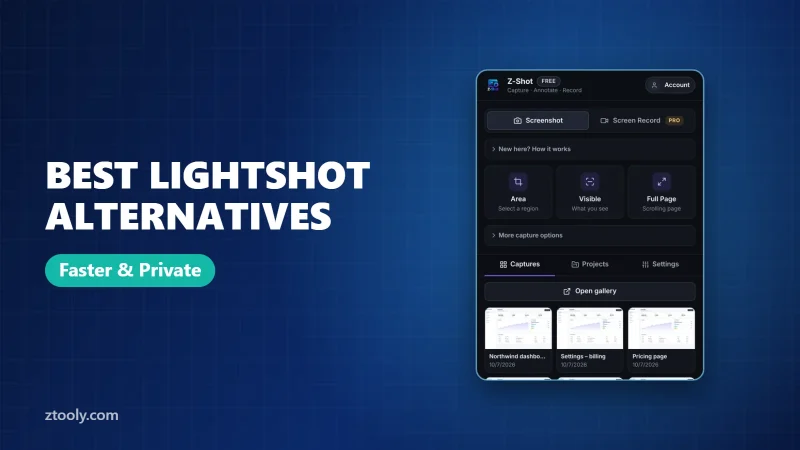
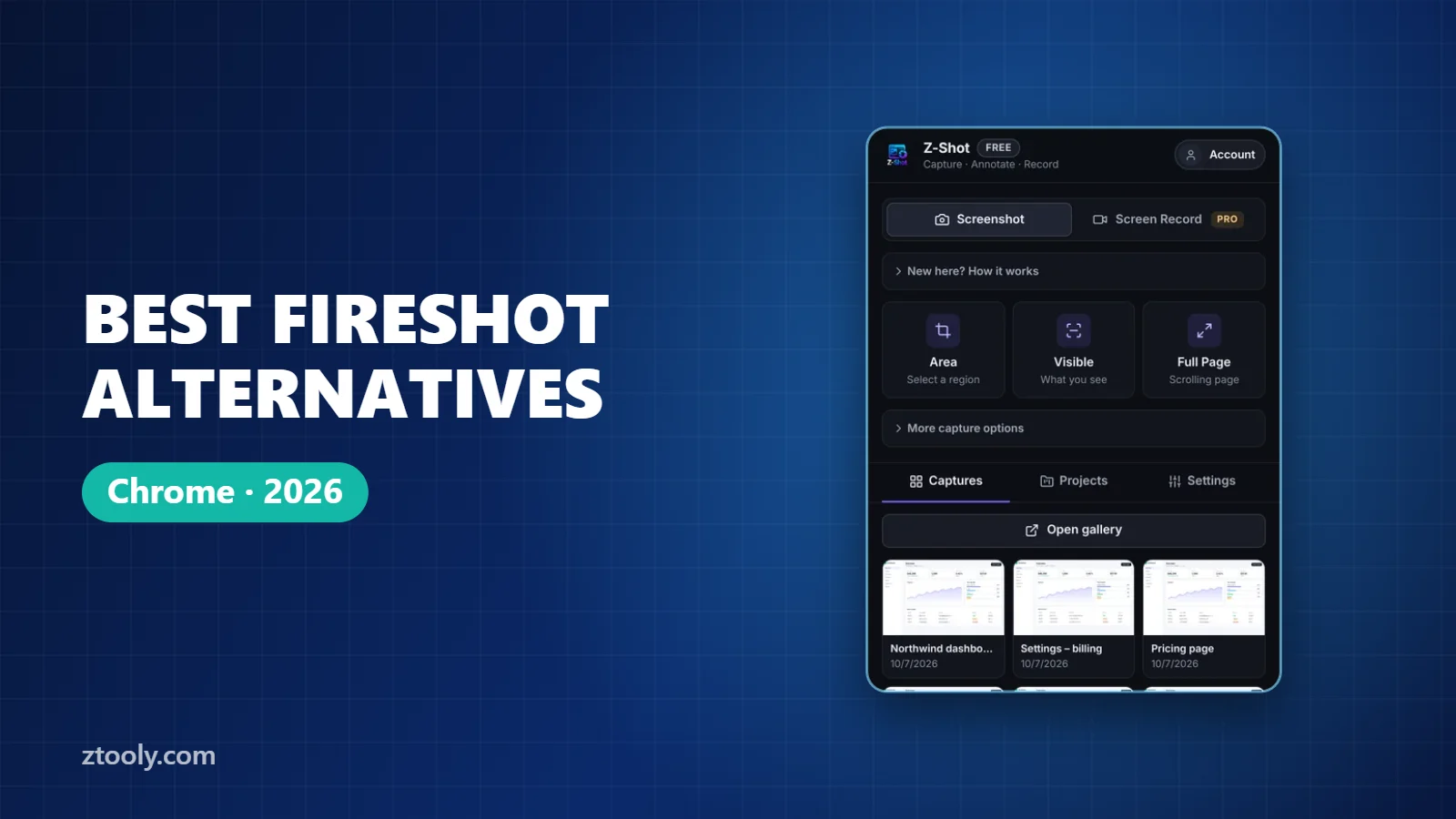
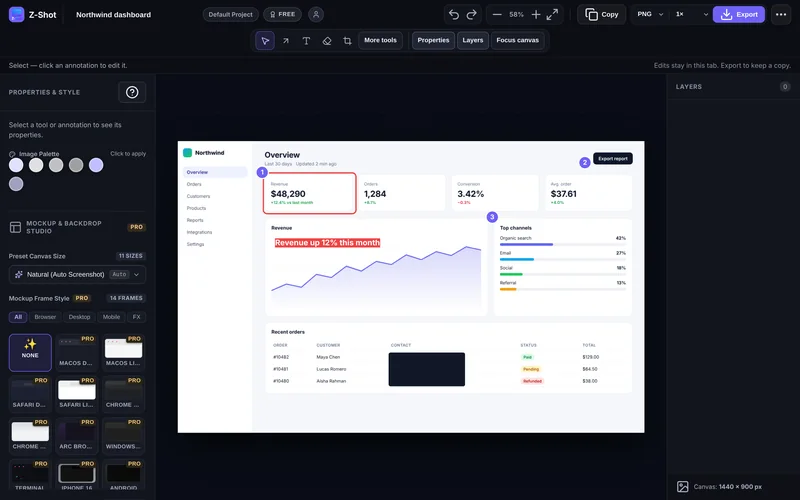
Z-Shot captures an area, the visible screen, a full scrolling page or a single element, then opens an editor with arrows, shapes, text, numbered steps, spotlight, blur and solid redaction. It also records your screen with mic and webcam and includes Video Studio for editing. Captures stay in your browser. Exports are PNG, JPEG or WebP at 1×–3× for images, and MP4, WebM or GIF for video. Pro adds mockups, OCR and auto-redaction.
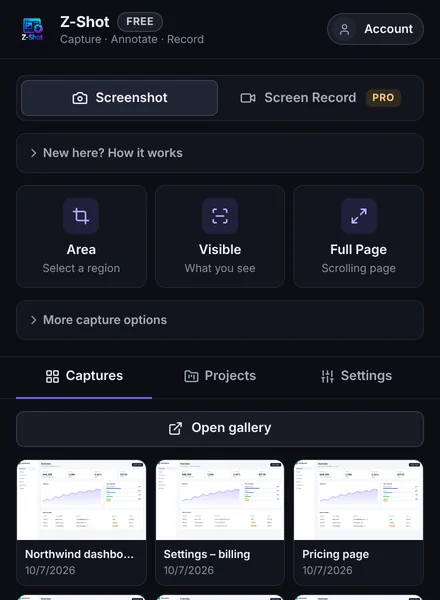
Choose it if: you want capture, annotation, redaction and recording in one place. Not ideal if: PDF export of web pages is your main need.
2. GoFullPage — simplest full-page capture
Click the icon and GoFullPage scrolls and captures the whole page, then lets you download PNG, JPEG or PDF. Editing is minimal. Compare it in Z-Shot vs GoFullPage.
Choose it if: you only need full-page captures and nothing else.
3. Awesome Screenshot — screenshots plus cloud sharing
Captures, annotation, screen recording and cloud links for teams. Captures are uploaded to its service to share. See Z-Shot vs Awesome Screenshot.
Choose it if: your team shares screenshots by link every day.
4. Chrome DevTools — free, built in
Press F12, then Ctrl+Shift+P (Cmd+Shift+P on Mac), type “screenshot” and choose Capture full size screenshot. No editor, but nothing to install. Full steps in our full-page screenshot guide.
5. Print to PDF — for archiving articles
If you used FireShot mainly for PDFs, Chrome’s Print (Ctrl+P) → Save as PDF keeps selectable text. Layout may change, but it’s free and reliable.
FireShot alternatives compared
| FireShot | Z-Shot | GoFullPage | Awesome Screenshot | DevTools | |
|---|---|---|---|---|---|
| Full-page capture | Yes | Yes | Yes | Yes | Yes |
| Element capture | Limited | Yes | No | No | Yes |
| Editor | Pro | Yes | Basic | Yes | No |
| Blur / redaction | Limited | Yes | Limited | Yes | No |
| Screen recording | No | Yes | No | Yes | No |
| PDF export | Yes | Guides only | Yes | Yes | No |
| Where files go | Your device | Your browser | Your device | Cloud | Your device |
Features and plans change, so check each tool’s current pricing before deciding.
Which should you pick?
- Need PDFs of web pages: stay on FireShot, or use GoFullPage or Print to PDF.
- Need annotation, redaction and recording: Z-Shot.
- Need nothing but quick full-page images: GoFullPage.
- Need team share links: Awesome Screenshot.
Most of these FireShot alternatives are free to try, so test one or two on the pages you capture most.
Frequently Asked Questions
What is the best alternative to FireShot?
For an all-in-one tool with annotation, redaction and screen recording, Z-Shot. For simple full-page captures, GoFullPage. For cloud sharing, Awesome Screenshot.
Is there a free FireShot alternative?
Yes. Z-Shot and GoFullPage have free plans, and Chrome DevTools can capture full pages for free with no extension.
Which FireShot alternative can save as PDF?
GoFullPage and Awesome Screenshot export PDF, and Chrome’s Print to PDF works for any page. Z-Shot exports step-by-step guides as printable HTML/PDF and images as PNG, JPEG or WebP.
Can FireShot record video?
No. If you need screen recording too, choose Z-Shot or Awesome Screenshot.
Is FireShot safe?
FireShot is a long-standing extension that works locally. As with any extension, install from the official Chrome Web Store and review the permissions it asks for.
Try it free: Z-Shot captures full pages, records your screen, and blurs or redacts sensitive data right in Chrome. Free plan, no account needed, and nothing is uploaded.