Quick answer: The best Lightshot alternative for Chrome is one that keeps the quick area capture but adds full-page capture and safer sharing. Z-Shot does area, visible, full-page and element capture with an editor and keeps images on your device. ShareX (Windows) and the built-in Snipping Tool or macOS screenshot tools are good free options outside the browser.
These Lightshot alternatives fix its biggest weakness, public upload links, while keeping the quick select-and-share workflow.
Lightshot is loved for one thing: select an area, add a quick arrow, and share. But it has real limits, especially for full-page captures and for anything private. If you’ve outgrown it, here are better options.
Disclosure: Z-Shot is our product. We’ve included strong alternatives that aren’t ours, too.
Why look beyond Lightshot
- Limited full-page capture. It’s built for selecting a visible area, not long scrolling pages.
- Basic editing. Pen, line, arrow, box and text, but no blur, step numbers or layers.
- Public share links. Uploading creates a short link on prnt.sc that anyone with the URL can open. Short links like these can be guessed, so uploaded screenshots of private data are a real risk.
1. Z-Shot — Lightshot speed with more power
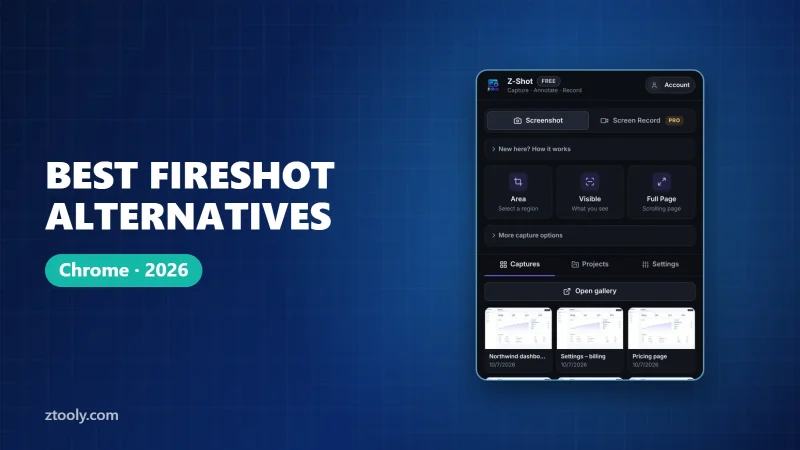
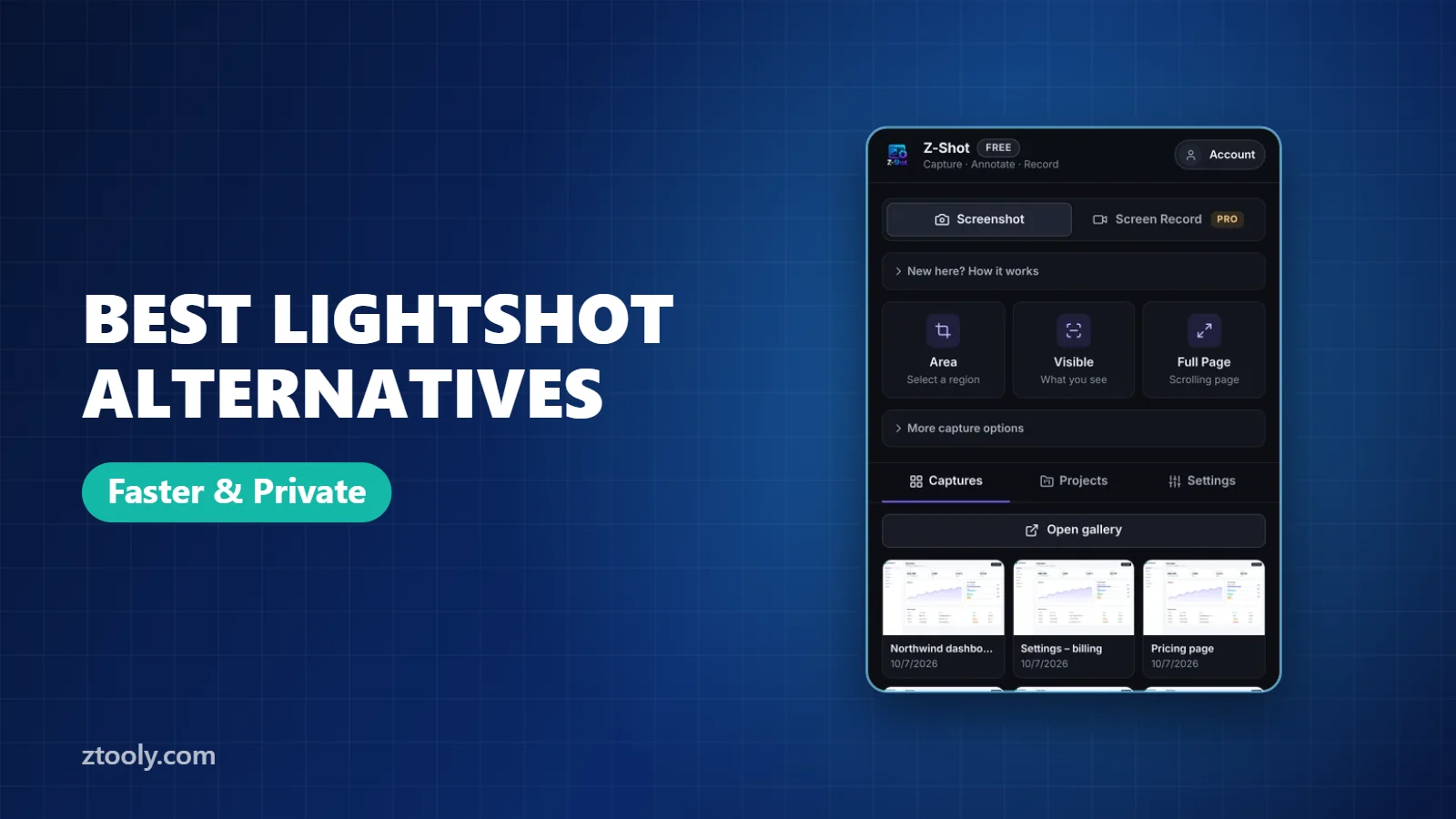
Press Alt+Shift+A to drag an area, just like Lightshot, or Alt+Shift+V for the visible screen and Alt+Shift+F for the full page. Z-Shot then gives you instant copy or save, or opens an editor with arrows, shapes, text, numbered steps, spotlight, blur and solid redaction. It also records your screen. Captures stay in your browser unless you choose to send them.
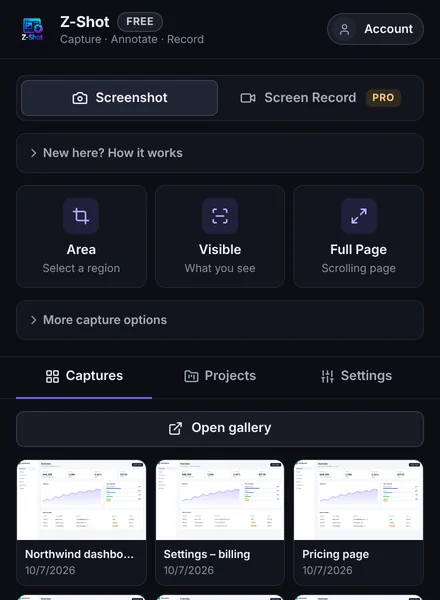
Best for: people who want Lightshot’s speed plus full-page capture, redaction and privacy.
2. ShareX (Windows, free, open source)
ShareX is a powerful desktop tool with area capture, scrolling capture, recording, OCR and dozens of upload destinations. It can be overwhelming at first, but nothing on Windows is more flexible for free.
Best for: Windows power users.
3. Windows Snipping Tool and macOS screenshots (built in)
Win+Shift+S on Windows and Cmd+Shift+4 on Mac do the same area capture as Lightshot with no install. Snipping Tool also has basic markup and text extraction. See every way to take a screenshot in Chrome.
Best for: occasional screenshots.
4. Greenshot (Windows, free)
Lightweight, open-source and quick, with a handy editor including obfuscation (blur/pixelate). Development has been slower in recent years, but it remains popular.
5. Awesome Screenshot — for teams who want cloud links
If you liked Lightshot’s instant links but want more features and team folders, Awesome Screenshot adds full-page capture, recording and collaboration in the cloud. Compare in Z-Shot vs Awesome Screenshot.
Lightshot alternatives compared
| Lightshot | Z-Shot | ShareX | Snipping Tool | Awesome Screenshot | |
|---|---|---|---|---|---|
| Area capture | Yes | Yes | Yes | Yes | Yes |
| Full-page capture | Limited | Yes | Scrolling capture | No | Yes |
| Blur / redaction | No | Yes | Yes | No | Yes |
| Screen recording | No | Yes | Yes | Yes (Win 11) | Yes |
| Default sharing | Public link | Local file | Configurable | Local file | Cloud link |
| Platform | Win, Mac, browser | Chromium browsers | Windows | Windows | Browser |
Switching tips
- Set the same shortcut you used for Lightshot, so muscle memory still works.
- Check old prnt.sc links you’ve shared. If any contain private data, treat it as exposed and rotate passwords or keys shown in them.
- Get into the habit of blurring sensitive data before sharing.
All of these Lightshot alternatives keep the quick capture you are used to, and most add better privacy.
Frequently Asked Questions
What is a good alternative to Lightshot?
Z-Shot for Chrome users who want area and full-page capture with blur and privacy, ShareX or Greenshot on Windows, or the built-in Snipping Tool and macOS screenshot tools for occasional use.
Is Lightshot safe to use?
Taking screenshots is fine. Uploading them creates public short links that anyone with the URL can open, so avoid uploading anything private.
Can Lightshot take full-page screenshots?
Not really. It is designed for capturing a selected visible area. Use a full-page tool like Z-Shot, GoFullPage or Chrome DevTools for long pages.
Is there a Lightshot alternative for Chrome?
Yes. Z-Shot works in Chrome and other Chromium browsers with area, visible, full-page and element capture.
Which Lightshot alternative can blur screenshots?
Z-Shot, ShareX, Greenshot and Awesome Screenshot all include blur or pixelation tools.
Try it free: Z-Shot captures full pages, records your screen, and blurs or redacts sensitive data right in Chrome. Free plan, no account needed, and nothing is uploaded.