Screen Recording
How to Edit a Screen Recording in Your Browser (Trim, Zoom, Export)
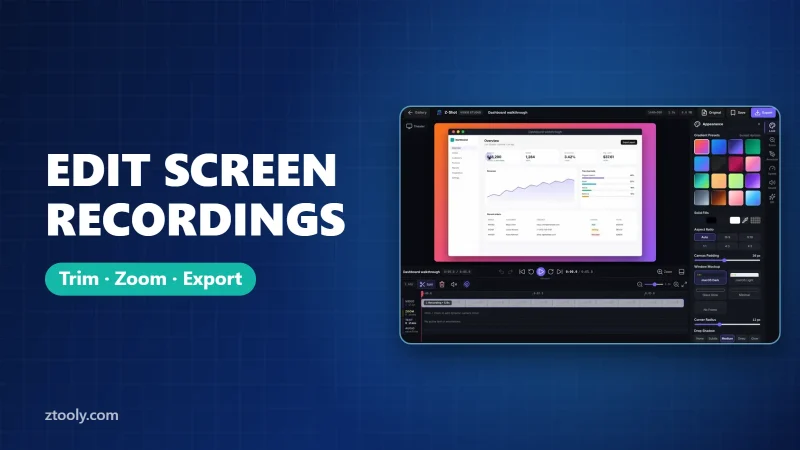
Edit screen recordings right in your browser: trim, cut mistakes, add zooms and text, choose a backdrop and aspect ratio, then export MP4, WebM or GIF.

Practical writing on screenshots, screen recording and getting more done in the browser.
Edit screen recordings right in your browser: trim, cut mistakes, add zooms and text, choose a backdrop and aspect ratio, then export MP4, WebM or GIF.
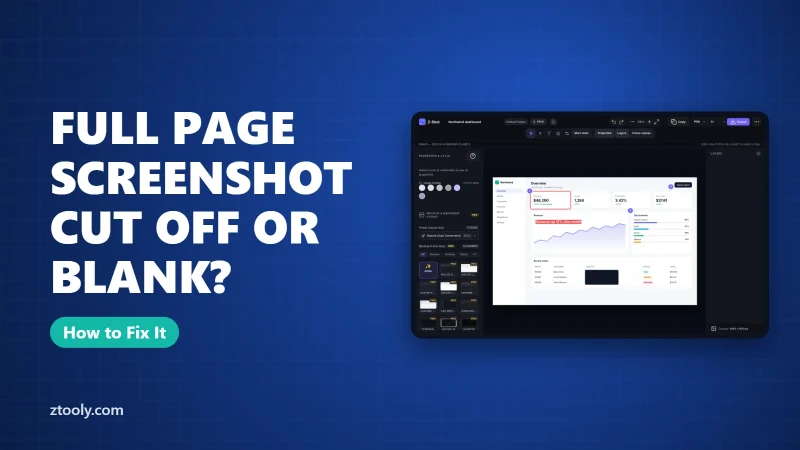
Full-page screenshot blank, cut off or showing repeated headers? Find your problem in the table and fix lazy-loaded images, sticky elements, inner scroll panels and very long pages.
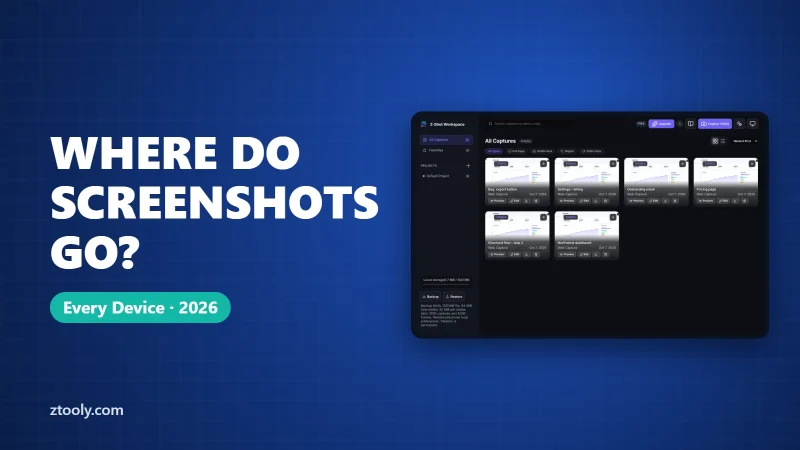
Can't find your screenshot? Where screenshots are saved on Windows 11, Mac, Chromebook, iPhone, Android, browsers and games, how to find lost ones, and how to change the folder.
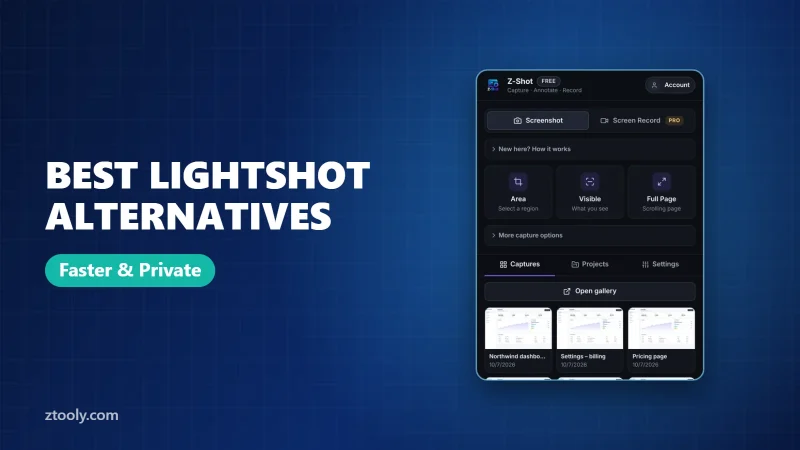
Outgrown Lightshot? Compare Z-Shot, ShareX, Greenshot, Snipping Tool and Awesome Screenshot on full-page capture, blur, recording and how they share your screenshots.
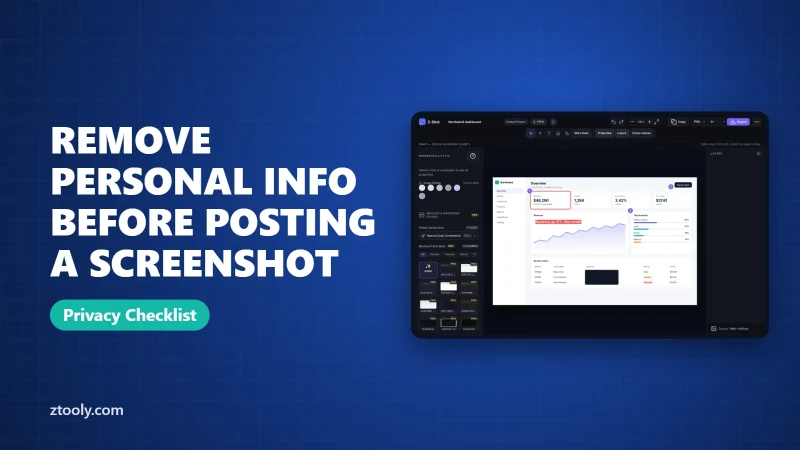
A checklist for posting screenshots on Reddit, X, Discord and social media without exposing yourself or others: what to remove, how to cover it, and the mistakes to avoid.
Copy text from any screenshot or image with OCR: Windows Snipping Tool, Mac Live Text, Google Lens or on-device OCR in Chrome. Which ones upload your image, and which don't.
Save any web page as a PDF in Chrome on Windows, Mac, Android and iPhone. The settings that keep backgrounds and links, fix cut-off pages, and when to use a screenshot instead.
Print Screen not working on Windows 11? Check the Fn key, the PrtScn setting, apps like OneDrive that take over the key, repair Snipping Tool, and test your keyboard.
Record your screen and face together in Chrome for free. Step-by-step setup, other options like OBS, and simple tips to look and sound good on camera.