Screenshots
How to Make Chrome Web Store Screenshots That Get Installs
Create Chrome Web Store screenshots that convert: correct sizes (1280×800), what to show in each of your five images, captions, frames and common mistakes to avoid.

Practical writing on screenshots, screen recording and getting more done in the browser.
Create Chrome Web Store screenshots that convert: correct sizes (1280×800), what to show in each of your five images, captions, frames and common mistakes to avoid.
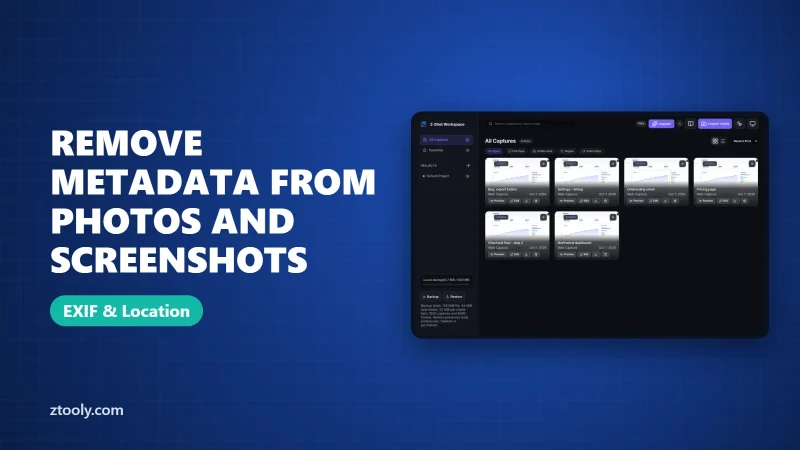
Remove hidden EXIF metadata like GPS location from photos and screenshots on Windows, Mac, iPhone and Android, which sites strip it for you, and what metadata can't protect.
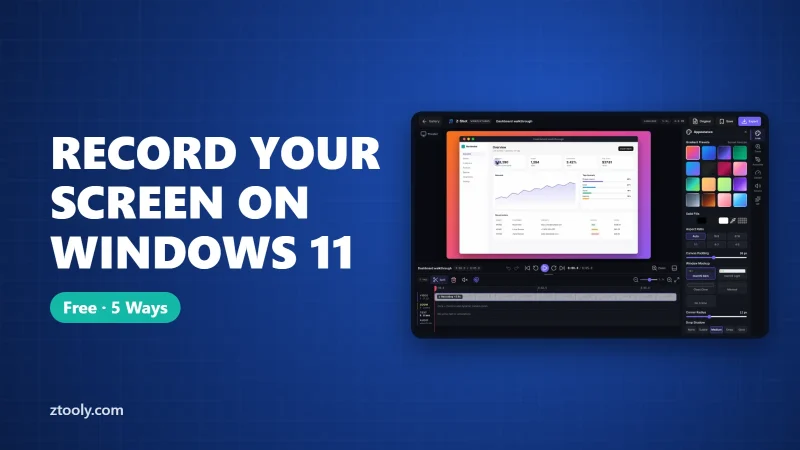
Record your screen on Windows 11 for free with Snipping Tool, Xbox Game Bar, Clipchamp, PowerPoint or OBS Studio. Step-by-step, audio settings, where files save, and fixes.
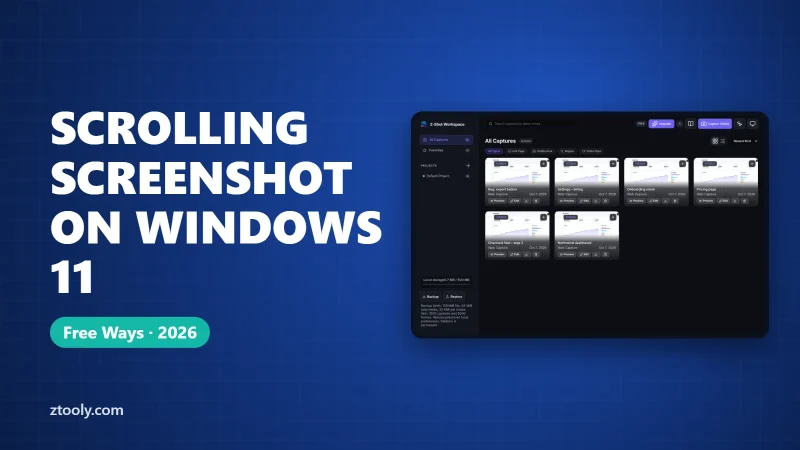
Windows has no built-in scrolling screenshot. Here's how to capture long web pages, app windows, chats and documents with browser tools, ShareX, PicPick, Snagit or PDF export.
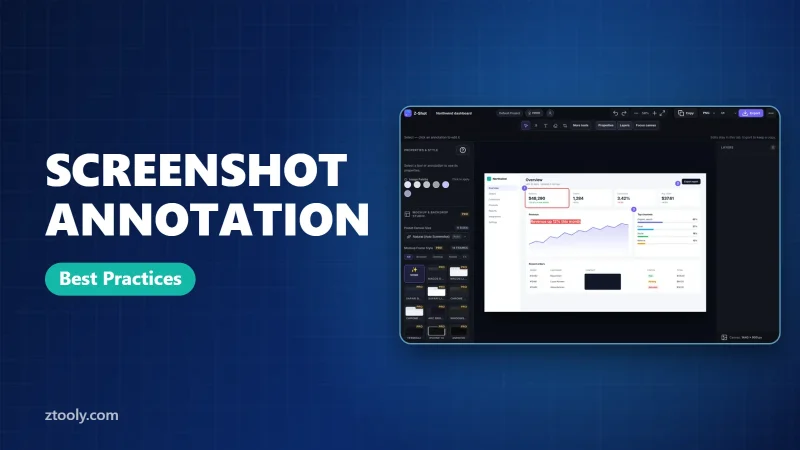
Make annotated screenshots people understand in two seconds: crop first, one marker per idea, one color, short labels and proper redaction. Tips by role plus a checklist.
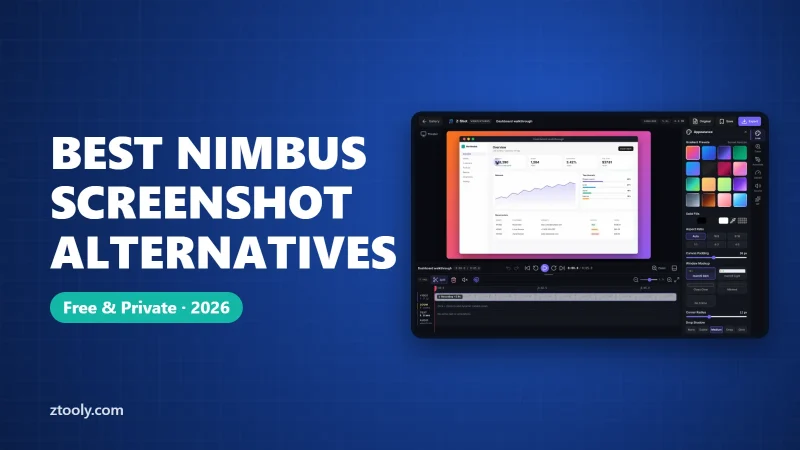
Nimbus Screenshot alternatives for every use: Z-Shot, Screenity, FireShot, Loom, Snagit, ShareX and built-in tools, matched to whether you capture pages, record video or need PDFs.
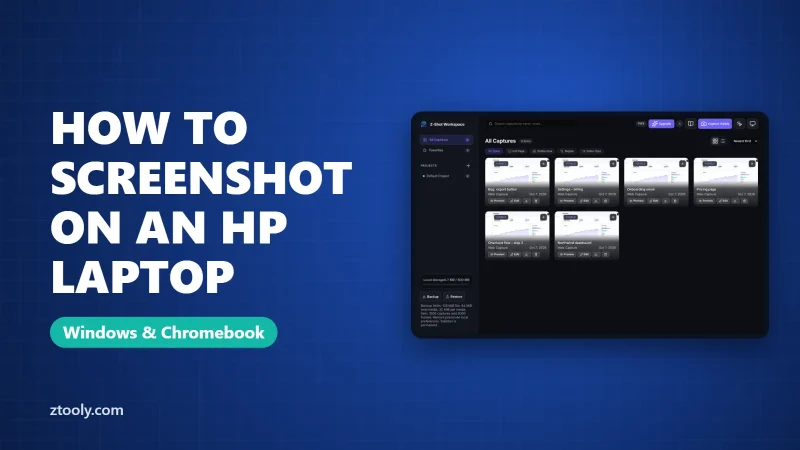
Take a screenshot on any HP laptop: where the prt sc key is, when you need Fn, every Windows shortcut, HP's Action Keys Mode setting, HP Chromebooks and where files are saved.
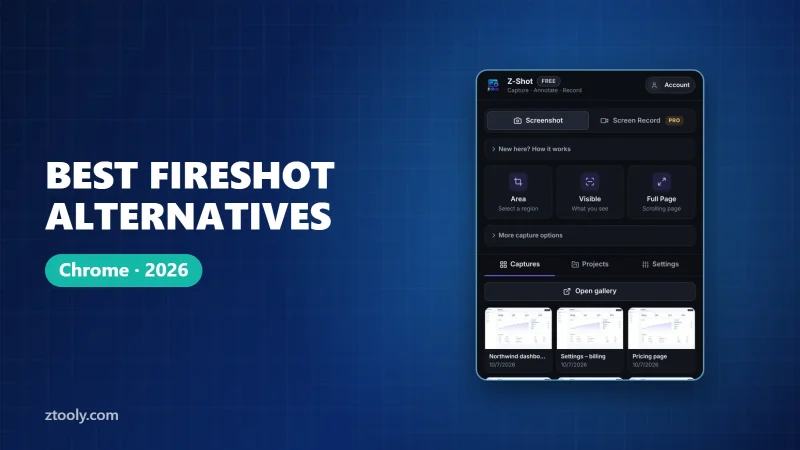
Looking for a FireShot alternative? Compare Z-Shot, GoFullPage, Awesome Screenshot and Chrome DevTools on full-page capture, editing, redaction, recording and PDF export.
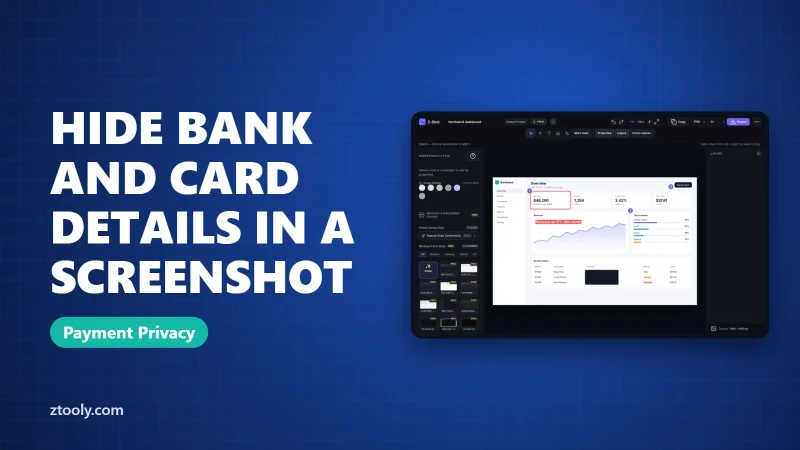
What to hide before sharing a bank, card or payment screenshot, what's safe to leave, how to cover it properly on any device, and how to share proof of payment safely.