Screenshots
How to Write a Clear Bug Report With Screenshots (Template)
Write bug reports developers can fix fast: a clear title, steps to reproduce, environment details and one annotated, redacted screenshot. Free copy-and-paste template.

Guides to taking better screenshots in Chrome: full-page capture, scrolling pages, single elements, annotation, mockups and clean exports.
Write bug reports developers can fix fast: a clear title, steps to reproduce, environment details and one annotated, redacted screenshot. Free copy-and-paste template.
Every way to take a screenshot on a Chromebook: full screen, partial and window shortcuts, the capture toolbar, tablet mode, stylus, where files save, and full-page captures.
Take a full-page screenshot in Microsoft Edge with Ctrl+Shift+S. Step by step, where files save, the DevTools method, and fixes for blank, missing or partial captures.
Every Mac screenshot shortcut explained: Cmd+Shift+3, 4 and 5, window captures without shadows, copying to the clipboard, changing the save folder and switching to JPG.
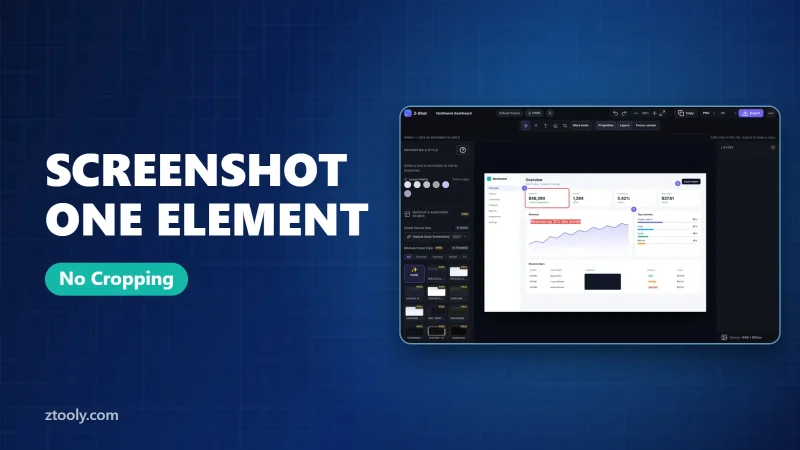
Capture just one part of a web page, like a card, chart or button, with pixel-perfect edges. Use Chrome DevTools' node screenshot or one-click element capture.
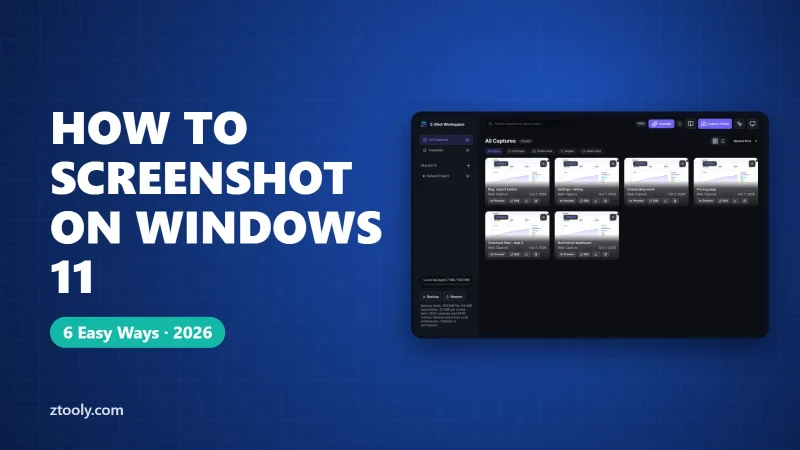
Every way to take a screenshot on Windows 11: Win+Shift+S, PrtScn, Win+PrtScn, Alt+PrtScn, Snipping Tool and Game Bar. What each captures and where the file is saved.
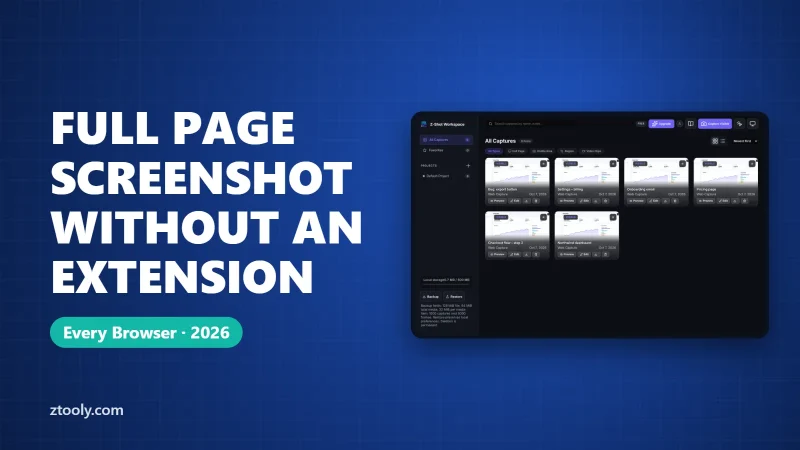
Capture a whole webpage with tools already built into Chrome, Edge, Firefox, Safari, iPhone and Android. Exact steps for each, plus fixes for blank or cut-off pages.
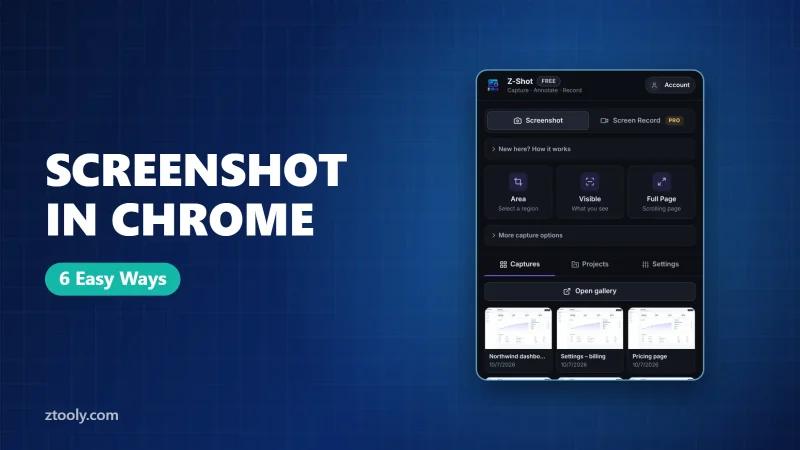
Every way to take a screenshot in Chrome on Windows, Mac and Chromebook: keyboard shortcuts, hidden DevTools commands, full-page and element capture, and extensions.
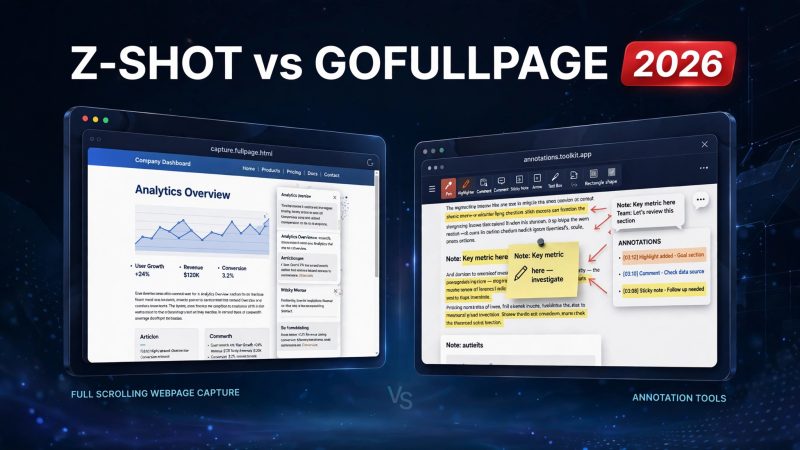
Looking for a GoFullPage alternative? We compare Z-Shot vs GoFullPage on full-page capture, annotation, blur and redaction, price, and privacy — so you can pick the right screenshot extension.